

Details
Role
UI/UX Designer and Front-End Developer
Type
Website Platform
Year
2015
Solving the problem
A dated website product that could no longer keep up with the demands of the internet and consumers. See below for key problems.

User Personas,
Journey Maps & Use Cases
Now that we know what we need to fix. Let's take a look at our user base. How do dealerships use the website? How does the consumer use the website? What are the goals for the consumer? Time to answer these questions with personas, journey maps and use cases.
Features and the competition
Activities in this step include:
- Study of competitors' approaches
- Research on similar features in the industry
- Analysis of latest UI/UX trends, design principles and rules
- Review and improve our own UX guidelines

Competitive Analysis
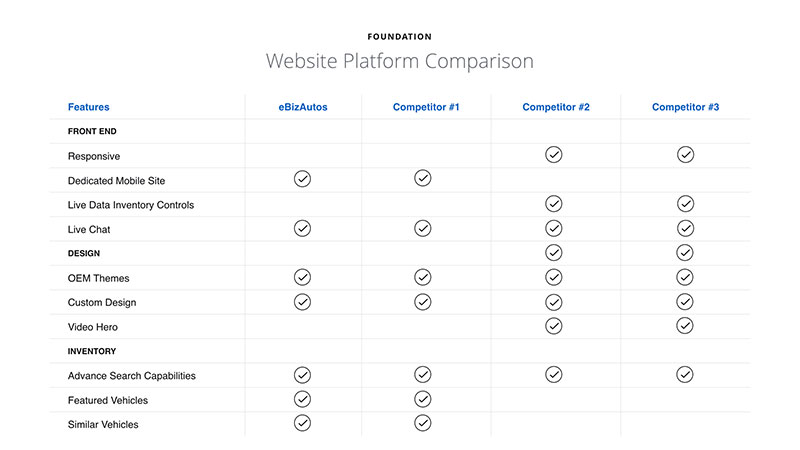
Previously, there was no official documentation comparing competitors, their features and how our company stacked up. It had long been thought that all companies in the space had provided the same services with different designs and marketing. I wanted to really dig deep into what made eBizAutos different from the rest.
Idea Board
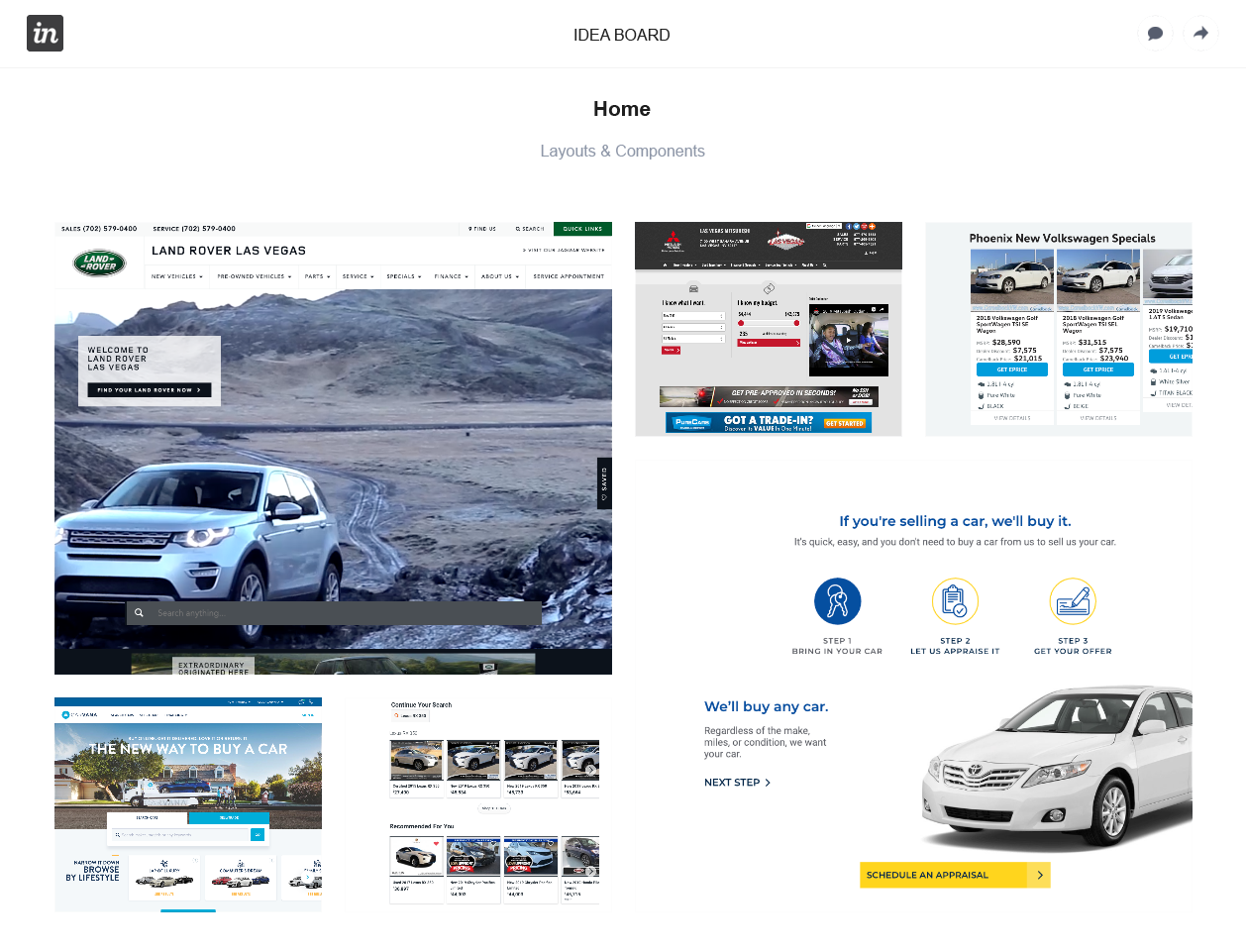
During this stage, I created something like a brand/idea board on Invision. This was a great tool to organize all of the inspiring layouts and features I found. This all helps with analyzing latest UI/UX trends as well as keeping an eye on our own UX guidelines. Take a look at the board I created, here.
Getting ideas on paper
This stage includes the design, product and technology teams working on the following:
- Spawn ideas from sketches
- Brainstorming sessions to get perspective on the technical side
- Iterate on sketches/wireframes

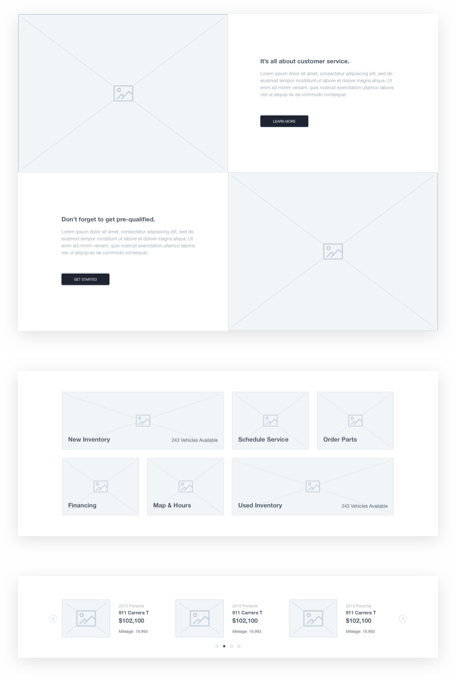
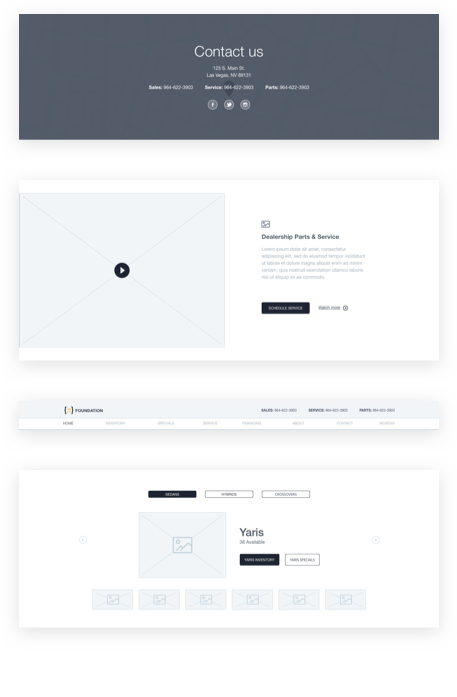
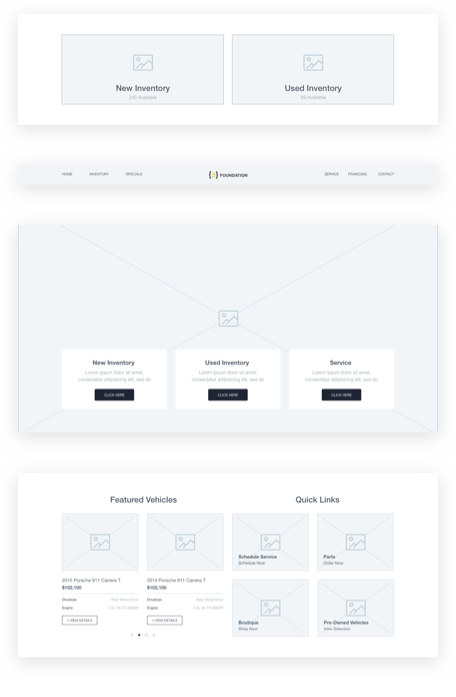
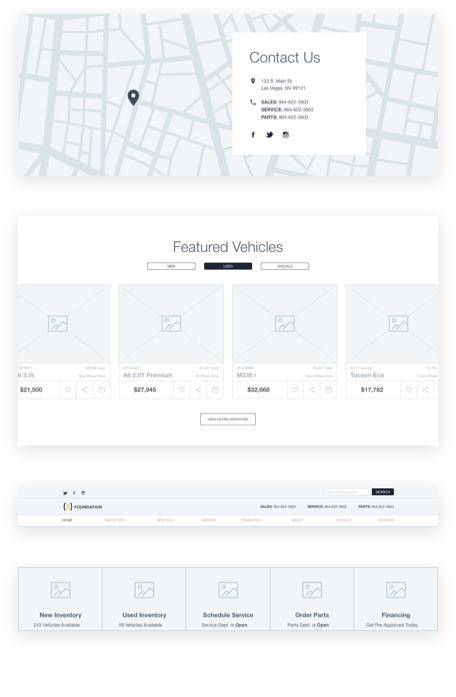
Wireframes
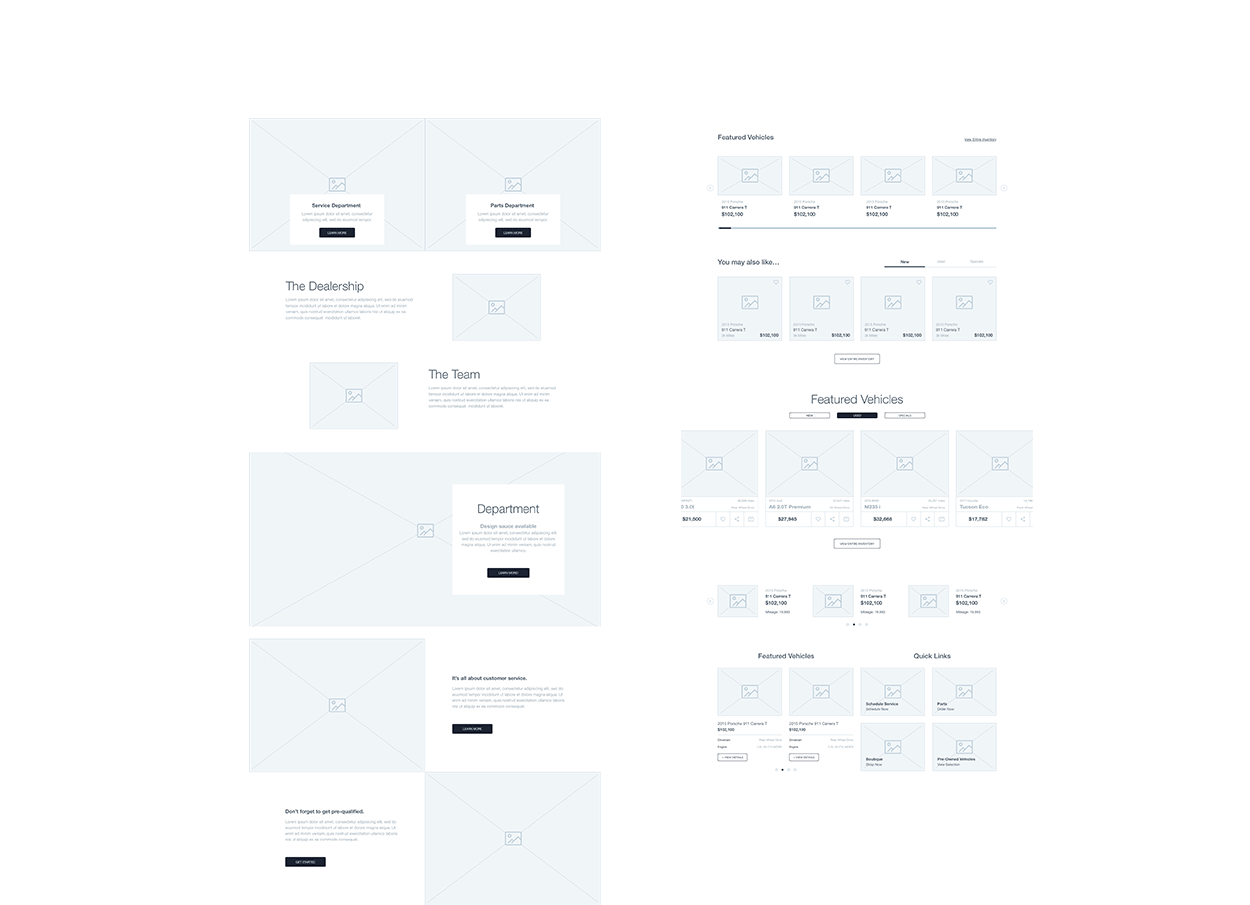
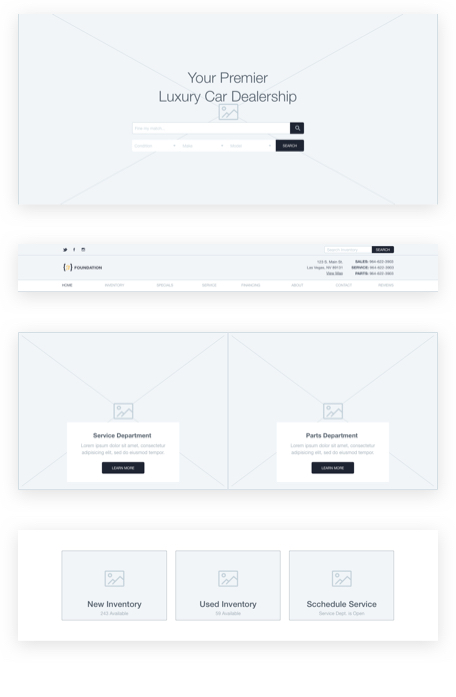
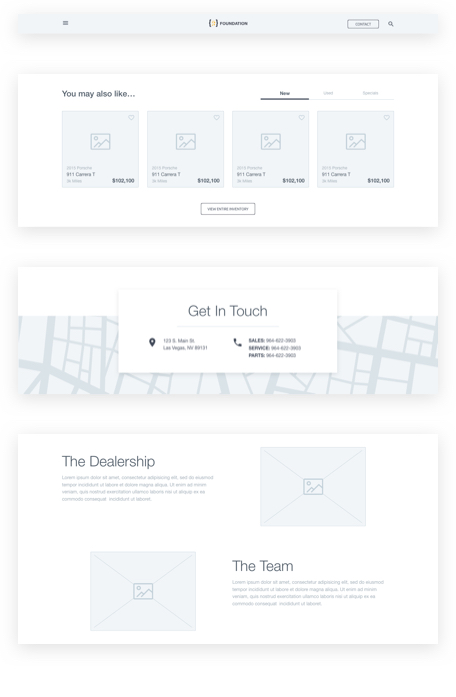
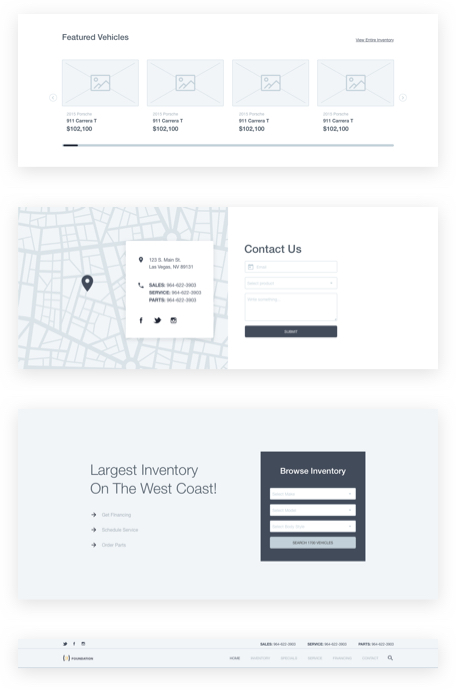
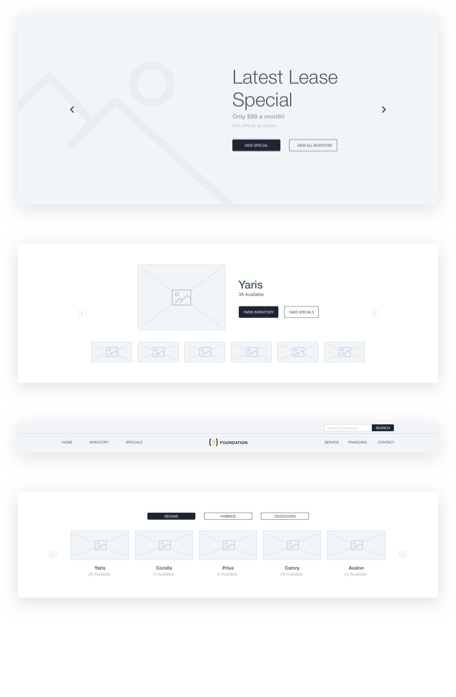
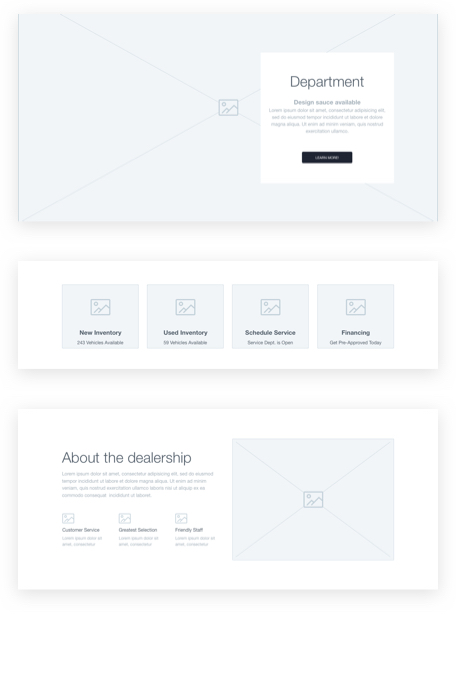
I broke down the wireframe creation into different categories and subcategories (headers, slideshows, cta's, etc.), creating molecules and later, organisms. These organisms will make up the larger page templates like the home page, search results, and vehicle description page. Following the Atomic Design methodology for creating design systems.
UI Wireframes
All hands on deck
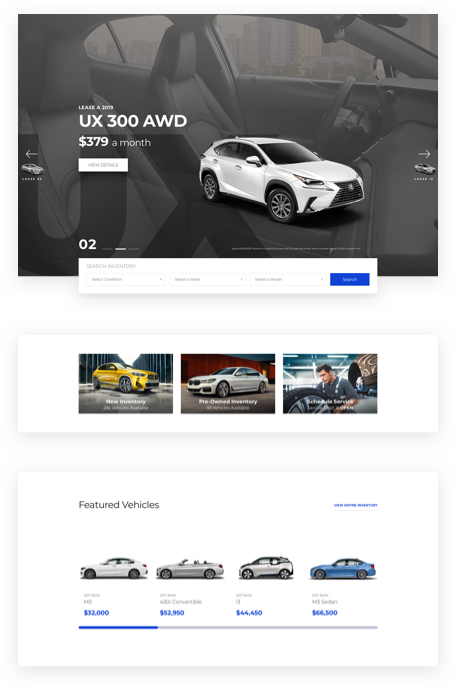
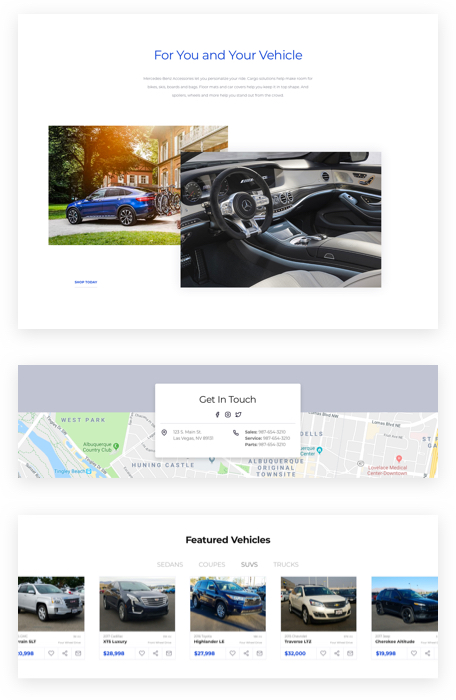
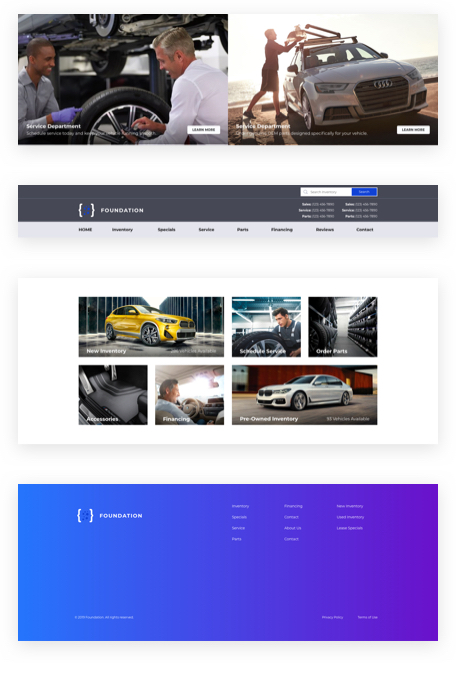
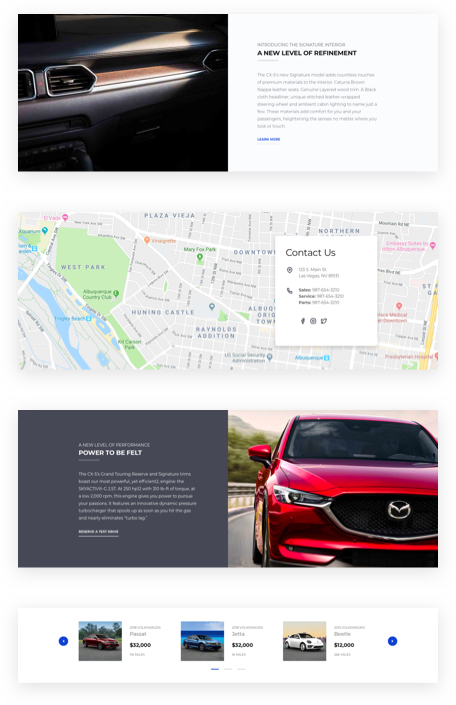
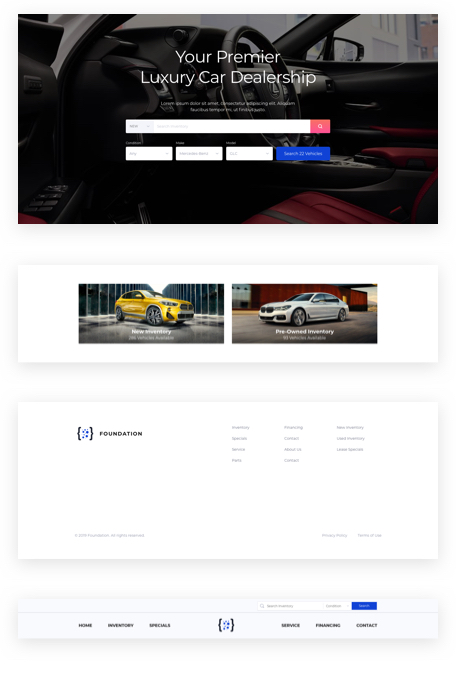
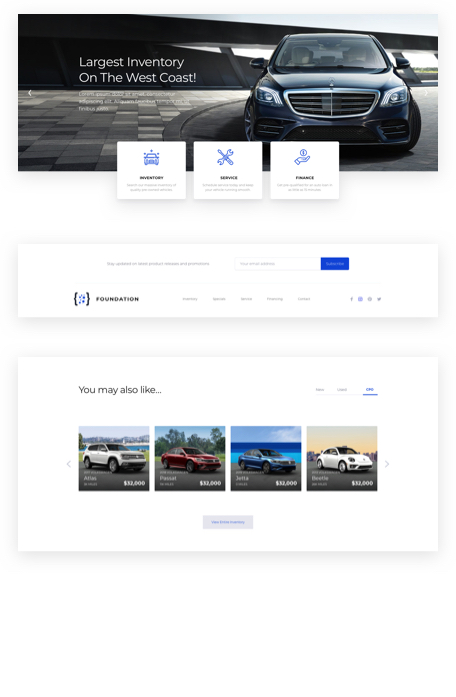
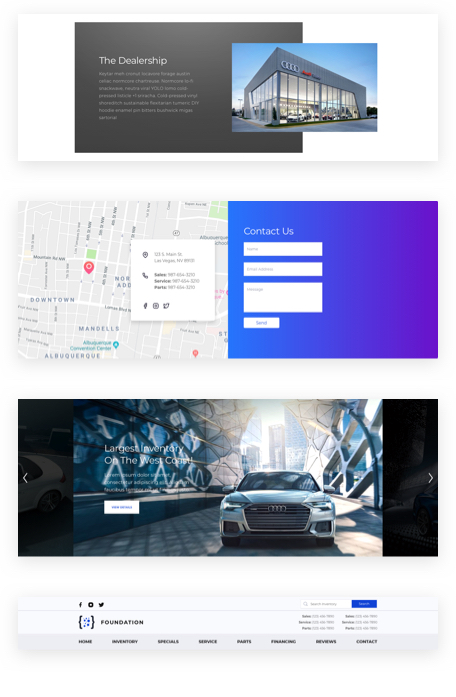
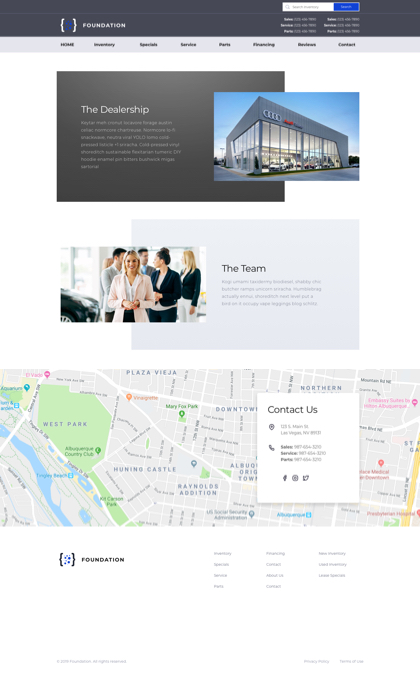
Now that we have the wireframes and flow finalized, let's do what I like to call, "adding design sauce". We turned these wireframes into great block elements with themes and styles applied to them.
UI Mockups
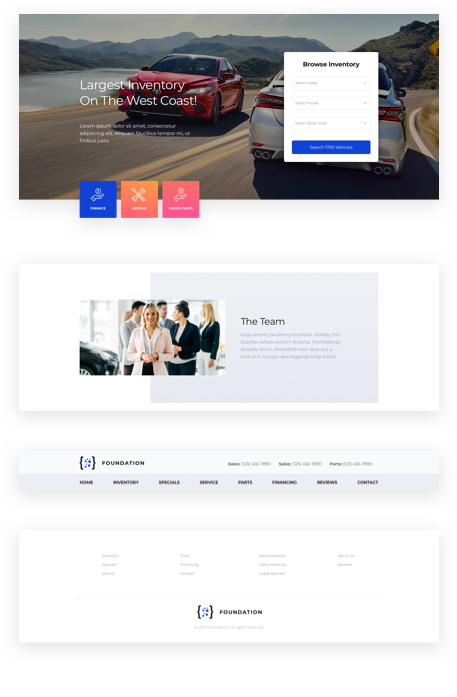
Layouts
Design System
We created a design system to house all UI/UX components, including usage and example layouts all in one place.
Themes
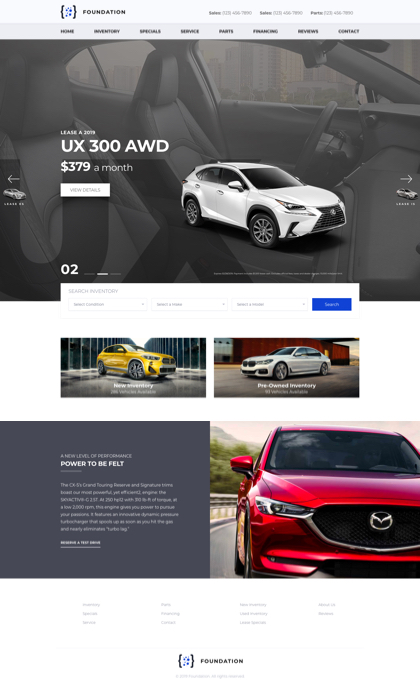
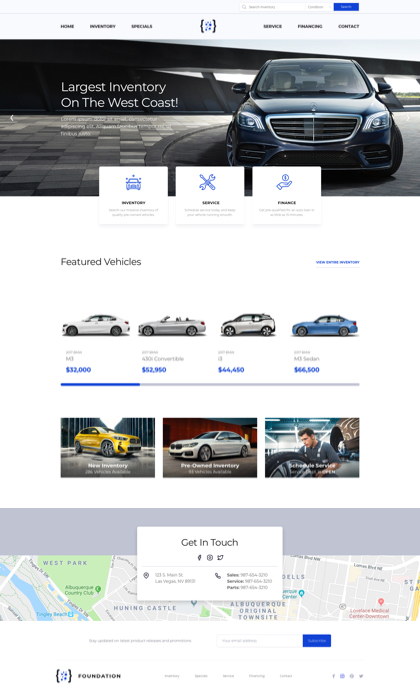
Based on the manufacturer brand guidelines, dealership websites were themed to follow the brand requirements.
Stakeholders
I worked closely with the product owner and dev teams advocating on behalf of our customer in our product development process.
... we'll take it live!
By this stage, the development team has been working on the back-end while the design team has been creating the user interface.
Up to this point, we had wireframes, mockups and prototypes. Now is the time to produce quality code for front-end ui so we can hand it off to the development team.

UI Development
Because this is based on bootstrap, I used Bootstrap Studio to drag and drop components for the UI Blocks. This allows for proper use of syntax, accessibility, and code formatting.
API Integration
Static content is now replaced with handlebars, helpers and loops to display dynamic data. Vanilla javascript is also used to make small components within the UI Blocks interact with the API.
Testing
Teamwork between myself and quality insurance engineers checked for bugs and broken links. In the end, it's about creating a faster, cleaner, better site that works the way the designer & developer intended.
The finished product
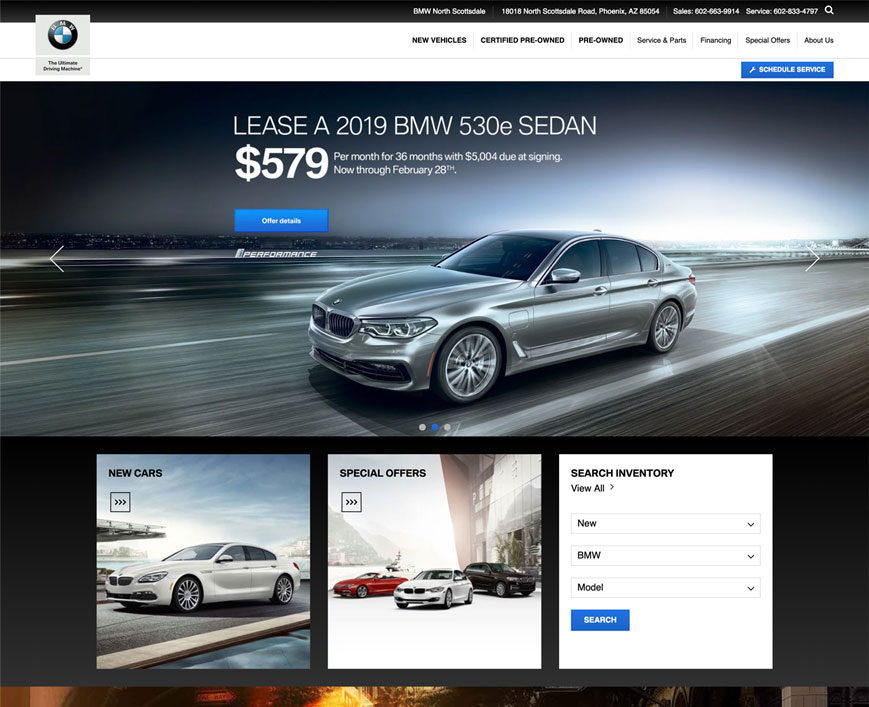
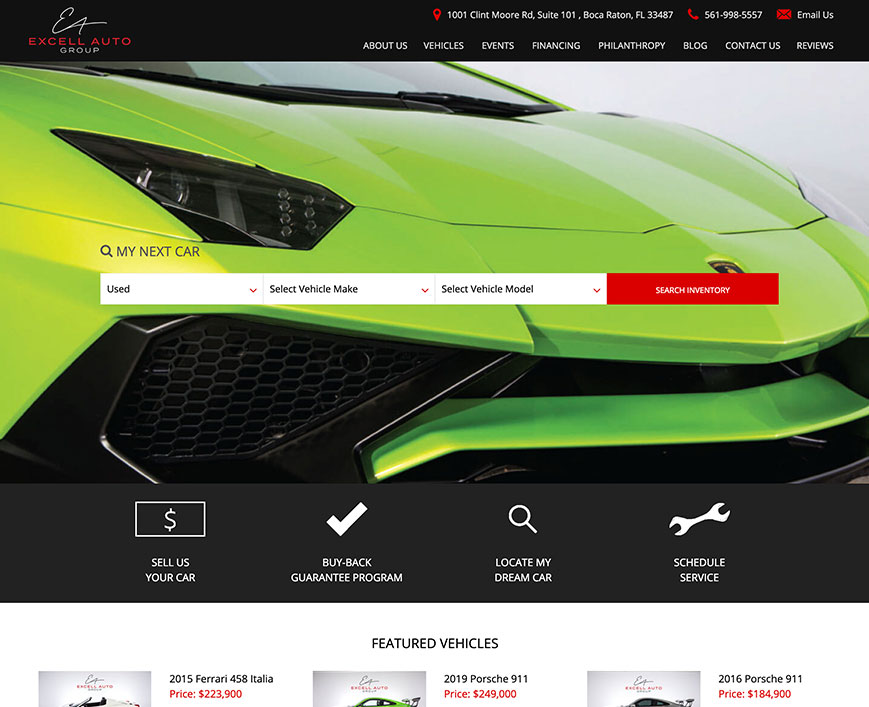
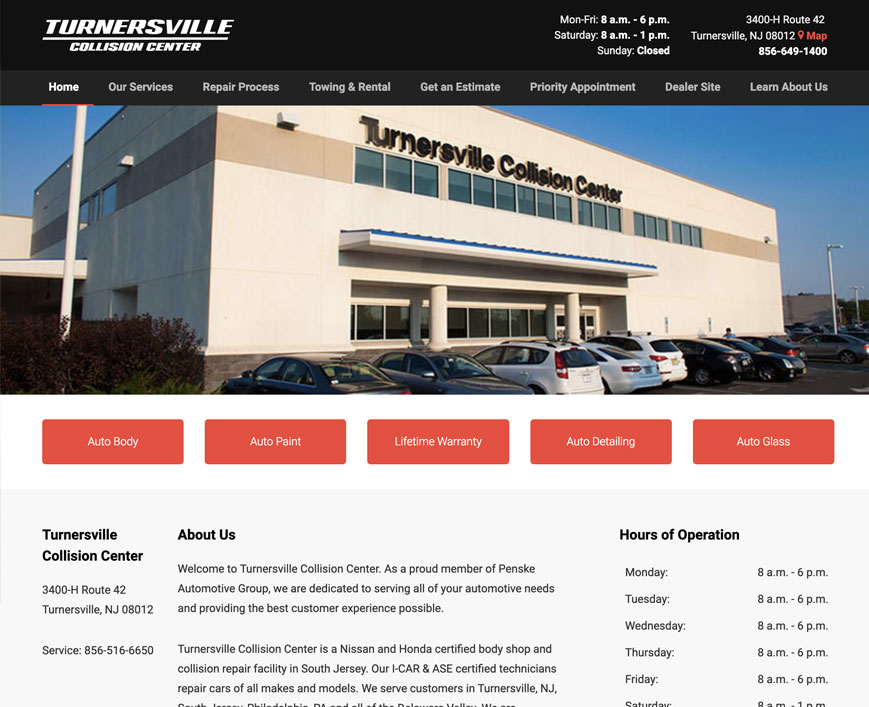
Showing versatility in different markets. One of the biggest benefits of this platform is that it works well for Franchise Dealers as well as Independent Dealers. But what if a client is a Service Center? No problem, all the necessary tools are included to capture service and parts leads.
My final thoughts...
Being the sole UX Designer, this was a major undertaking. I learned new software, coding methods and improved methods of communication. There were challenges at every single stage of the process and through communication, teamwork and inventiveness, we were able to launch the platform ahead of schedule. Iterating regularly on new features and improvements.